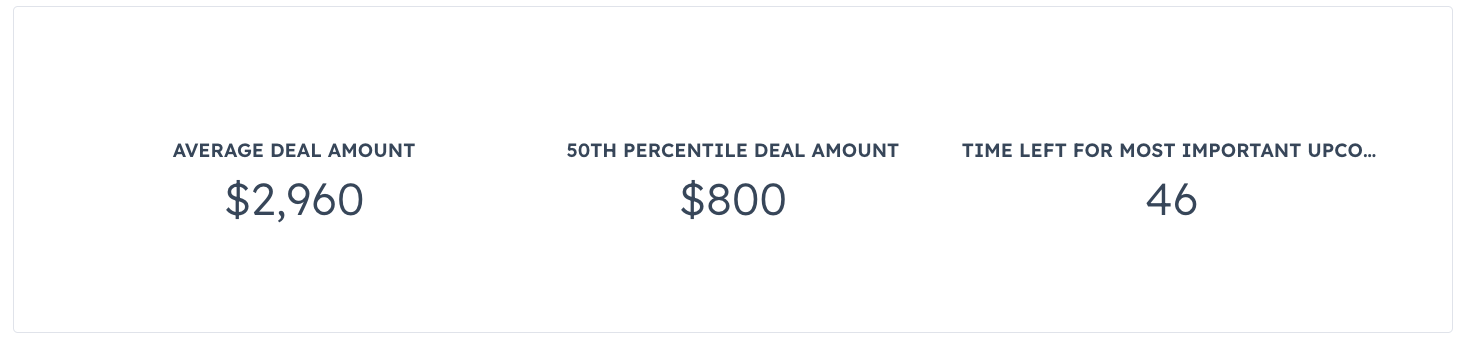
import { CrmStatistics } from "@hubspot/ui-extensions/crm";

const Extension = () => {
  return (
    <CrmStatistics
      objectTypeId="0-3"
      statistics={[
        {
          label: "Average Deal Amount",
          statisticType: "AVG",
          propertyName: "amount",
        },
        {
          label: "50th Percentile Deal Amount",
          statisticType: "PERCENTILES",
          propertyName: "amount",
          percentile: 50,
        },
        {
          label: "Time Left for Most Important Upcoming Deal",
          statisticType: "MIN",
          propertyName: "days_to_close",
          // The filters below narrow the fetched
          // deals by the following criteria:
          // - Amount must be >= 10,000
          // - Deal must not be closed
          filterGroups: [
            {
              filters: [
                {
                  operator: "GTE",
                  property: "amount",
                  value: 10000,
                },
                {
                  operator: "EQ",
                  property: "hs_is_closed",
                  value: "false",
                },
              ],
            },
          ],
        },
      ]}
    />
  );
};