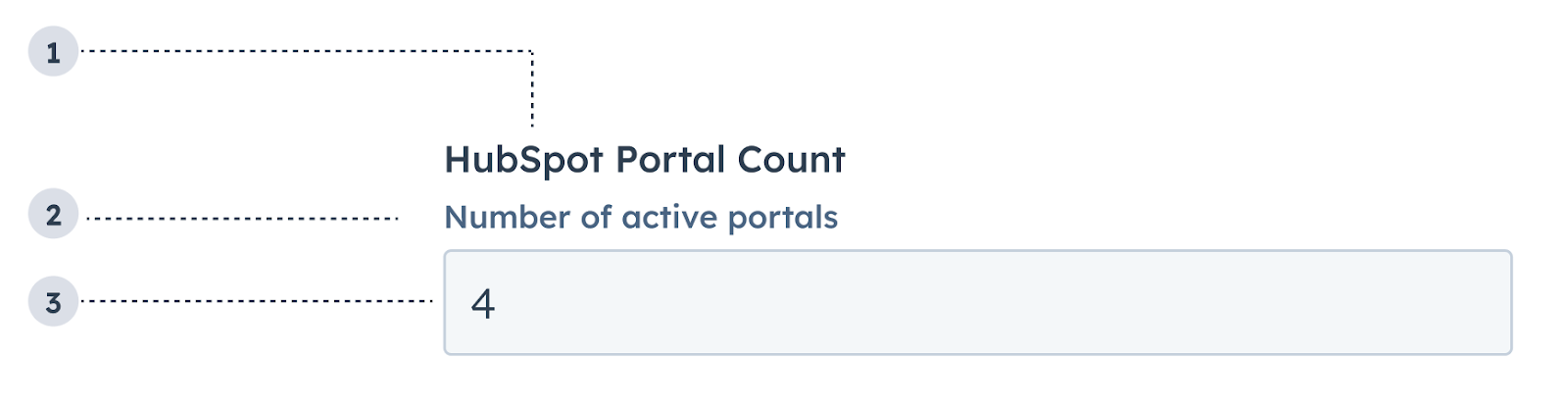
The NumberInput component renders a number input field. Commonly used within the Form component.
- Label: the input’s label.
- Description: the text that describes the field’s purpose.
- Value: an entered value.
Props
Usage example
A field in a form where salespeople can enter the total deal amount.
Guidelines
- DO: make label and description text concise and clear.
- DO: include placeholder text to help users understand what’s expected in the field.
- DO: indicate if there is a minimum or maximum number requirement.
- DO: indicate if a field is required.
- DO: include clear validation error messages so that users know how to fix errors.
- DON’T: use this component for long responses, such as open-ended comments or feedback. Instead, use the TextArea component.
- DON’T: use placeholder text for critical information, as it will disappear once users begin to type. Critical information should be placed in the label and descriptive text, with additional context in the tooltip if needed.
Last modified on March 30, 2026