Learn about the Button component for use in UI extensions.
The Button component renders a single button. Use this component to enable users to perform actions, such as submitting a form, sending data to an external system, or deleting data. Button text is passed into the component like a standard HTML element, rather than through a prop.Below, learn how to implement buttons in a UI extension. For guidance on button design, check out the Button design patterns.
Using the variant prop, you can set the color of the button.
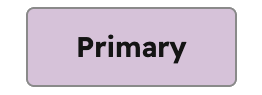
'primary': a dark blue button for the most frequently used or most important action on an extension. Each extension should only have one primary button.
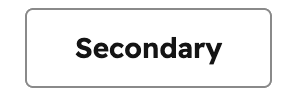
'secondary': a grey button to provide alternative or non-primary actions. Each extension should include no more than two secondary buttons.
'destructive': a red button for actions that delete, disconnect, or perform any action that the user can’t undo. Button text should clearly communicate what is being deleted or disconnected. After a destructive button is clicked, the user should have to verify or confirm the action.
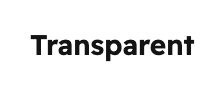
'transparent': a button with the background and border color removed, styled like a hyperlink.
Please note:HubSpot does not provide variant options for the orange buttons you’ll find across the app (both solid and outlined). Those color variants are reserved for the HubSpot product, which helps to maintain the hierarchy of available actions on a given page.