Learn about the Dropdown component for use in UI extensions.
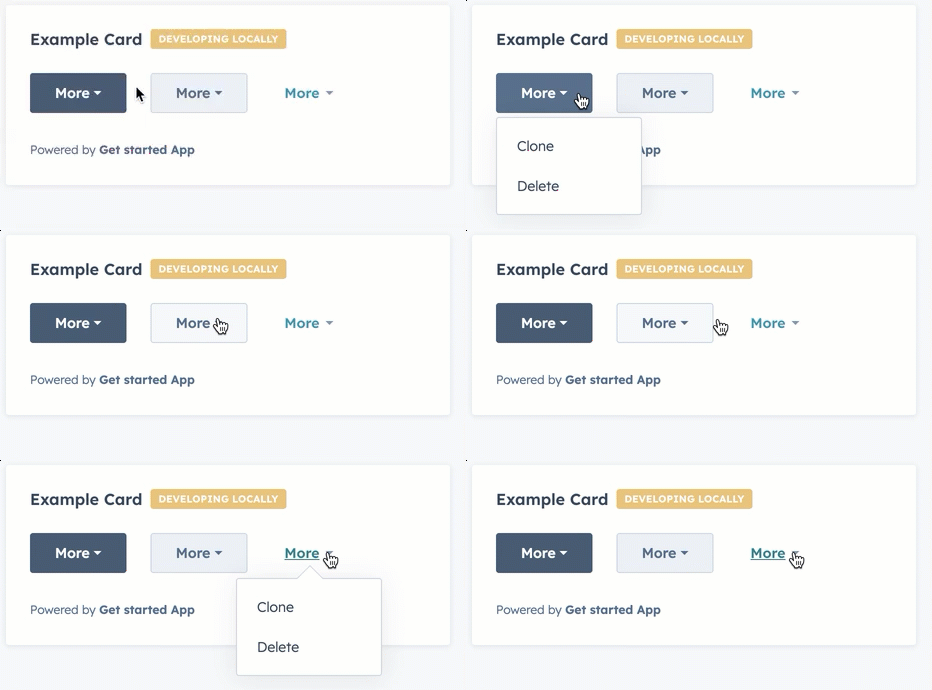
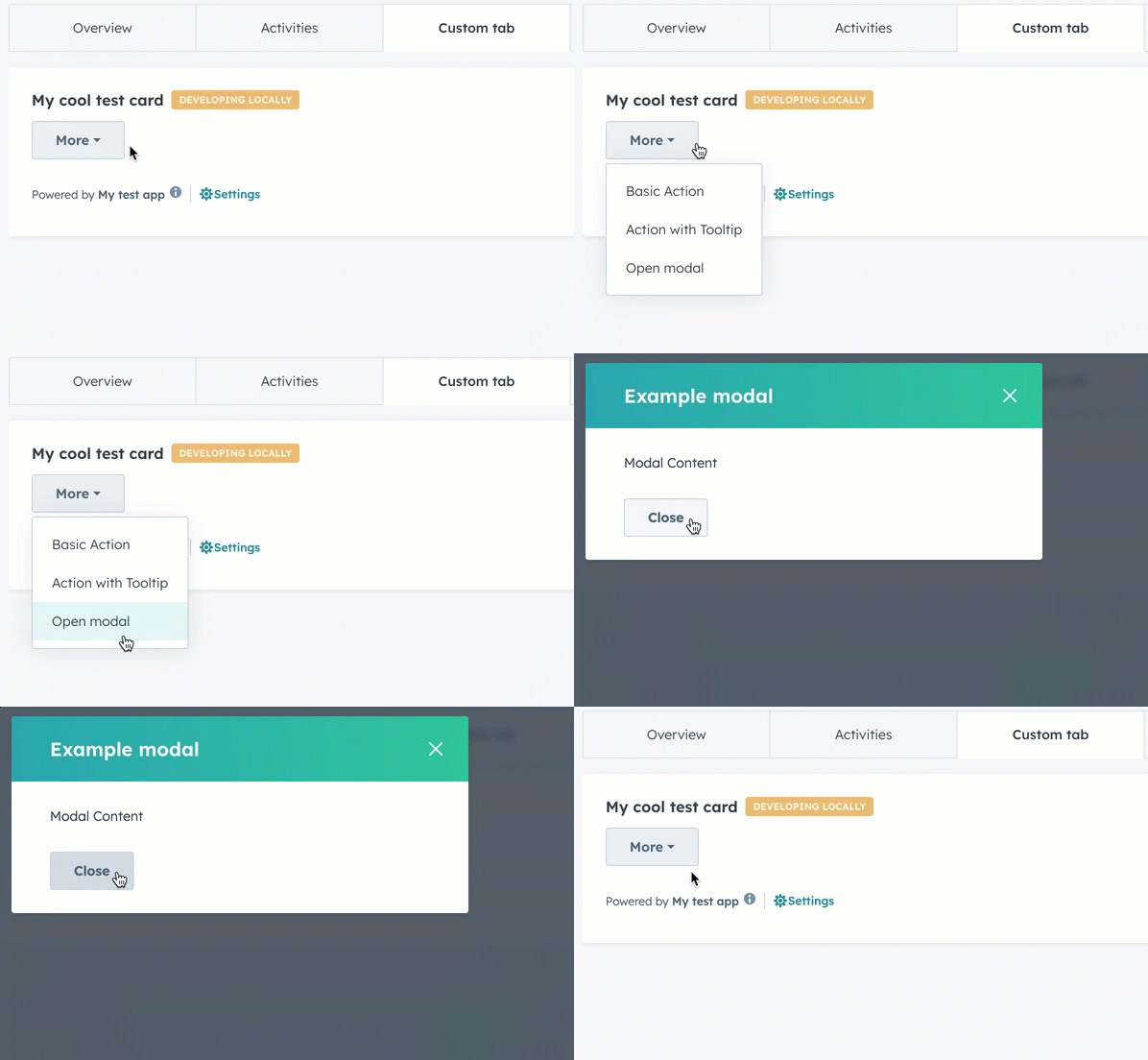
The Dropdown component renders a dropdown menu that opens on click, allowing users to select from a compact list of options. Define each dropdown item using <Dropdown.ButtonItem> with optional onClick handlers and overlay definitions for displaying tooltips and opening modals and panels.
The options prop has been deprecated. Define options using <Dropdown.ButtonItem> child components instead, which provide more flexibility for using overlays.
Prop
Type
Description
buttonSize
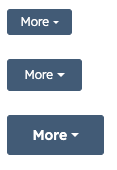
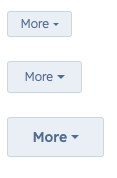
'xs' | 'sm' | 'md' (default)
The size of the button.
buttonText
String
The button text.
disabled
Boolean
When set to true, the dropdown button cannot be focused or clicked. Set to false by default.
options
Object
The options included in the dropdown menu. Each option includes:
label: the text label for the option.
onClick: the function that gets invoked when the option is selected.
variant
'primary' (default) | 'secondary' | 'transparent'
The type of dropdown button to display. 'primary' and 'secondary' will display a blue and grey button, respectively, while 'transparent' will display a blue hyperlink.
<Dropdown.ButtonItem> props
Prop
Type
Description
onClick
() => void
The function invoked when the item is clicked.
overlay
Overlay component
An overlay component to attach to the item, such as a Tooltip, Modal, or Panel.
Similar to the example above, which adds a Tooltip overlay to a dropdown item, you can open modals and panels via dropdown items by defining the Modal or Panel within a Dropdown.ButtonItem component’s overlay prop.Learn more about opening overlays in the UI extension SDK reference.