
When to use UI extensions
UI extensions are ideal when:- You want to display external system data in HubSpot.
- You need to guide users through multi-step flows.
- You want to enable users to customize CRM records with richer functionality than HubSpot’s default UI allows.
- You want HubSpot to host your app’s configuration UI.
- You need a secure and scalable way to embed custom UI logic without hosting your own frontend architecture.
How UI extensions work
At a high level, a UI extension consists of:- A JSON configuration file (
*-hsmeta.json) that registers where the extension appears in HubSpot and specifies the entry point. - An entry point (
hubspot.extend()) that initializes the extension and receives context and actions from HubSpot. - A React component (
.jsxor.tsx) that defines your UI. TypeScript is fully supported and recommended for better type safety. - Optional data fetching via the
hubspot.fetch()API to request data from external services.
- HubSpot loads your extension in a secure, sandboxed environment.
- Context is passed into your component, including information about the current user, HubSpot account, and (for CRM extensions) the current record’s ID and object type.
- Your component can fetch CRM data using SDK hooks or call external services using
hubspot.fetch(). - The UI renders and reacts to user interactions.
What you can build
App cards
Create app cards to surface insights, trigger external workflows, or bring data from third-party services directly into HubSpot. You can build app cards for CRM records, preview panels, and the help desk sidebar. Common use cases include:- Displaying enriched company or contact data.
- Embedding task lists, timeline details, or customer insights.
- Triggering external workflows or actions from within a record.
- Rendering custom layouts, accordions, tables, and charts.
Apps that use Sensitive Data scopes can include app cards, but cannot use
hubspot.fetch() or serverless functions. Learn more about Sensitive Data restrictions for app cards..gif)
App home pages
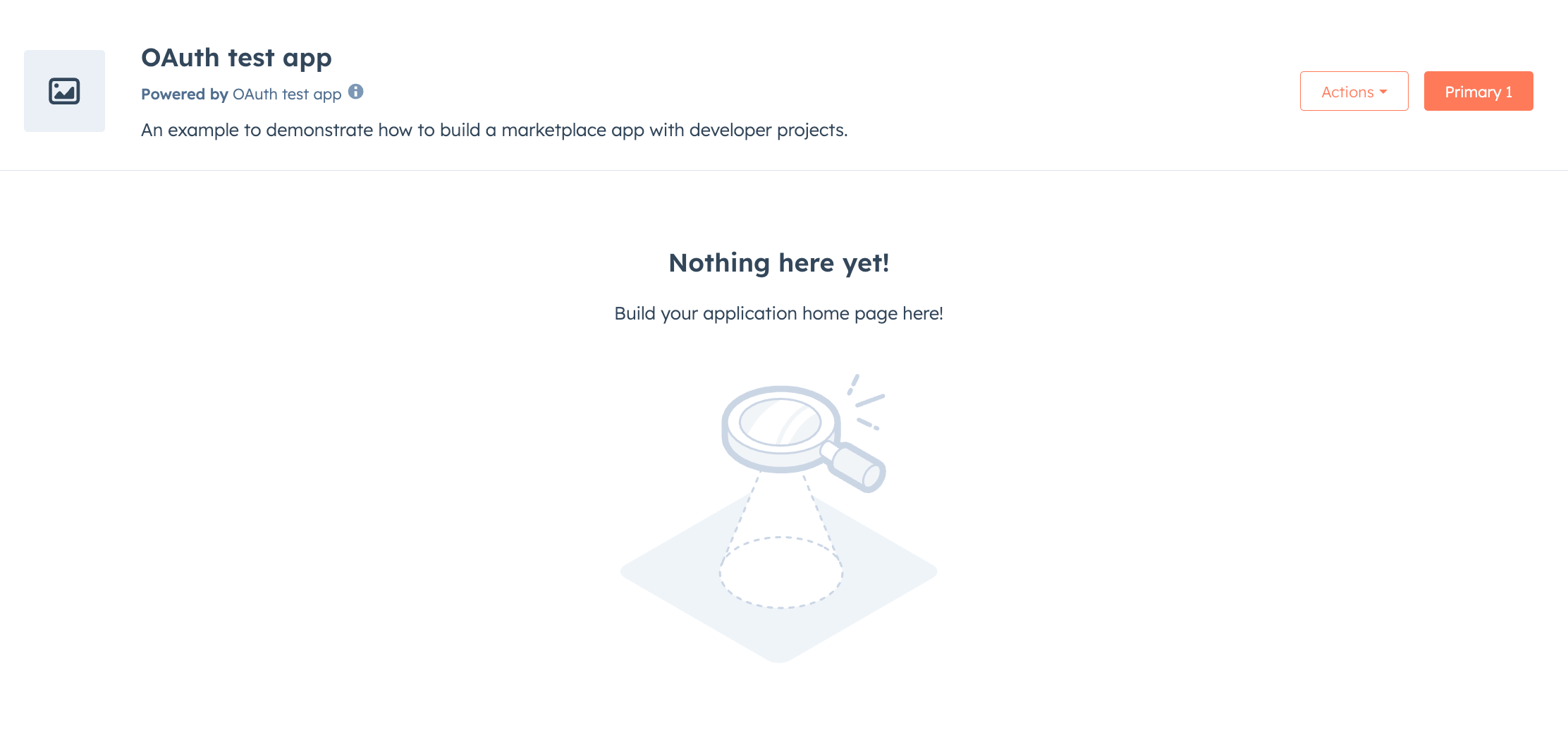
A home page is a full-screen extension, ideal for dashboards, analytics views, and complex workflows. Common use cases include:- Building analytics dashboards.
- Enabling multi-step flows or guided processes.
- Aggregating cross-object CRM insights.
- Creating custom workspace experiences.
Settings pages
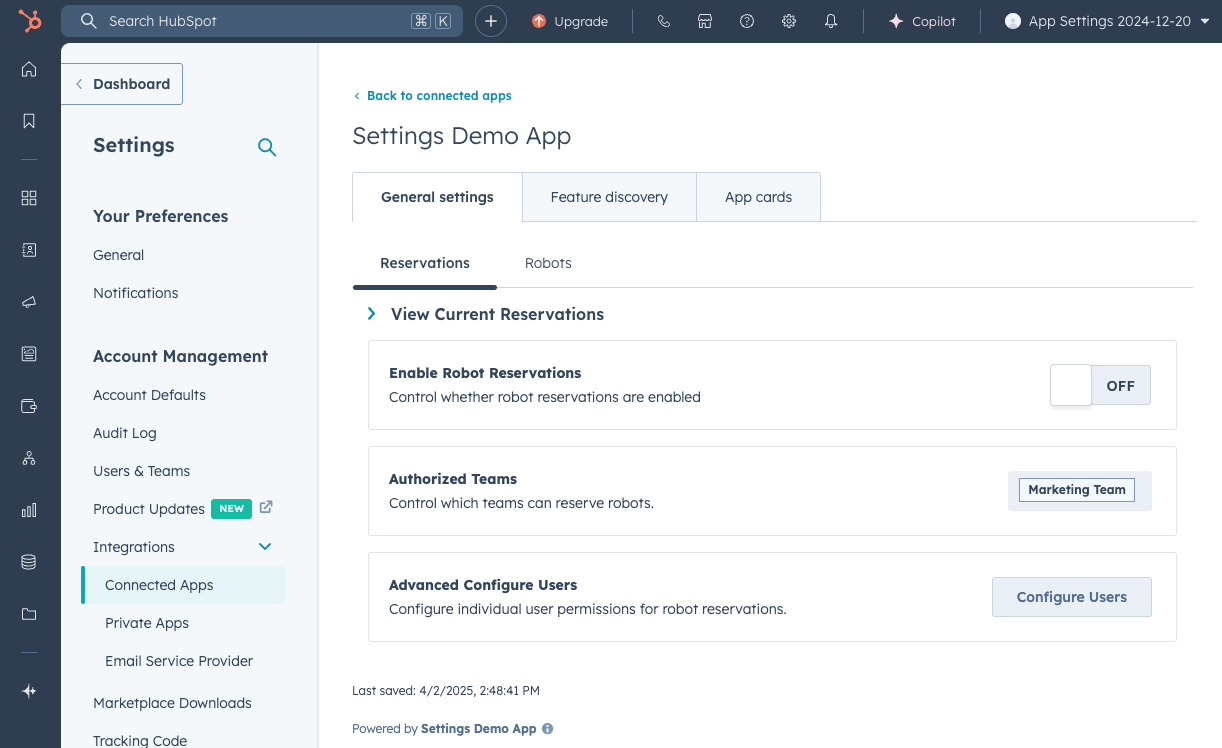
Settings pages allow you to build configuration UIs that live inside HubSpot’s settings. These pages are ideal for:- Managing API keys or OAuth credentials.
- Managing feature toggles or custom configuration.
- Connecting external services.
- Mapping CRM properties to external systems.
Building UI extensions
All UI extensions share the same development workflow:- Create the extension: run the
hs project addcommand to add a card, home page, or settings page component to an existing project. Or, follow the quickstart to build your first extension. - Build with React: build your extension’s UI with React or TypeScript, using HubSpot’s UI component library to render elements.
- Register with the SDK: use
hubspot.extend()to register your extension with HubSpot. - Upload and test: run
hs project uploadto deploy, andhs project devfor local development. You can also build testing into your project using a set of provided testing utilities.
Supported locations
UI extensions can appear in specific locations throughout HubSpot. By default, an app card is eligible for every surface that’s compatible with its card type andobjectTypes, and account admins choose where to place it. To restrict a card to one surface, set the location field in its JSON configuration file:
Learn more about supported objects and location configuration in the app cards reference.
The UI extensions SDK
The UI extensions SDK provides the foundation for all UI extensions, including:- Context access: retrieve information about the current user, account, and CRM record.
- Actions: display alerts, copy text to clipboard, reload pages, and open overlays.
- Hooks: fetch extension metadata, CRM properties, and associations.
Fetching external data
Use thehubspot.fetch() API to request data from external services. Learn more about fetching data for UI extensions, including:
- Configuring permitted URLs.
- Request signing and validation.
- Proxying requests during local development.
UI components
HubSpot provides a library of reusable components for building extension interfaces, including:-
Standard components: general-purpose components like buttons, forms, tables, and layout components. Imported from
@hubspot/ui-extensions. -
CRM data components: components that automatically fetch and display data from CRM records, such as property lists, association tables, and reports. Imported from
@hubspot/ui-extensions/crm. -
CRM action components: components that trigger built-in CRM actions like adding notes, sending emails, or creating records. Imported from
@hubspot/ui-extensions/crm.
Local development and testing
Use thehs project dev command to start a local development server with hot reload. This enables you to preview changes to your extension in real-time without needing to upload your project after every change.
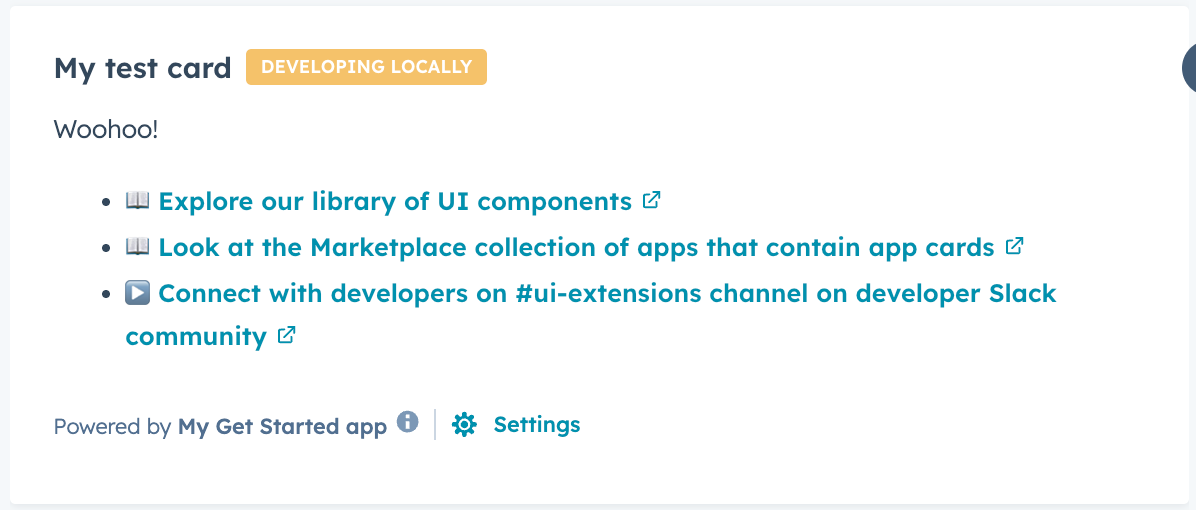

hubspot.fetch() requests, and custom log output. Learn more about logging and monitoring for UI extensions.
The UI extensions SDK also provides testing utilities for writing unit tests, including:
- Rendering components in a test environment.
- Querying and interacting with rendered output.
- Mocking context, actions, and CRM data hooks.
- Debugging rendered component trees.
Code quality and linting
HubSpot provides an ESLint configuration specifically designed for UI extensions. This catches common issues like using unavailable browser APIs and incorrect imports before runtime. Learn more about linting for UI extensions.Next steps
- Quickstart: create your first app on the developer platform.
- Create an app card: create a custom card that displays on CRM records.
- Create a home page: build a landing page for your app.
- Create a settings page: add a configuration interface for your app.