
Spacer component to add vertical space between components. This component is intended for one-off use in situations where other layout components like Flex don’t fully provide the spacing you need. You can use this component in tandem with the AutoGrid, Flex, Box, and Inline components to manage extension layout.
Props
| Prop | Type | Description |
|---|---|---|
size | ||
testId |
Distances
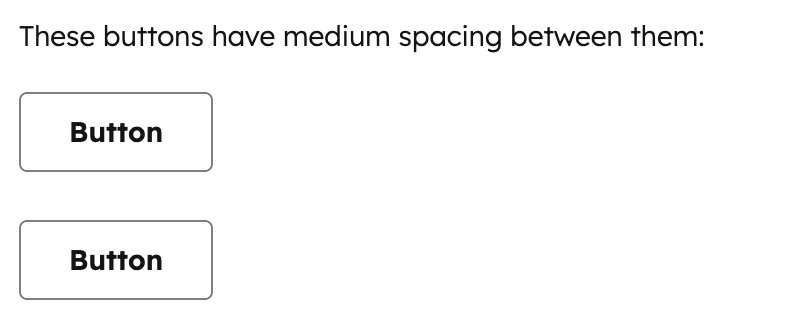
Thesize prop controls how much vertical space is rendered. Each size maps to a consistent spacing value from the HubSpot design system:
extra-small: minimal spacing for tightly grouped elements.small: default spacing suitable for most use cases.medium: moderate spacing for separating related content sections.large: generous spacing for creating clear visual breaks.extra-large: maximum spacing for major section divisions.
Spacer vs. Flex
For most layouts, you should use Flex withdirection="column" and a gap value instead of Spacer, as it provides uniform spacing between all children without needing to manually insert Spacer components.
Spacer for situations where you need non-uniform spacing or a one-off adjustment:
Guidelines
- DO: use
Spacerfor one-off vertical spacing adjustments where you need different spacing at a specific point. - DO: use the smallest
Spacersize that creates adequate visual separation. - DON’T: use multiple
Spacercomponents whenFlexwithgapwould achieve the same result more cleanly. - DON’T: use
Spacerfor horizontal spacing. UseFlexwithdirection="row"andgapinstead. - DON’T: use
Spacerwhen aDividerwould better communicate the separation between sections.