
Supported products
Supported products
1
Add a
Navigate to HubDB in your HubSpot portal, and edit the table you would like to be a parent of other tables. Click “Add new column” and create a column with type “Video”.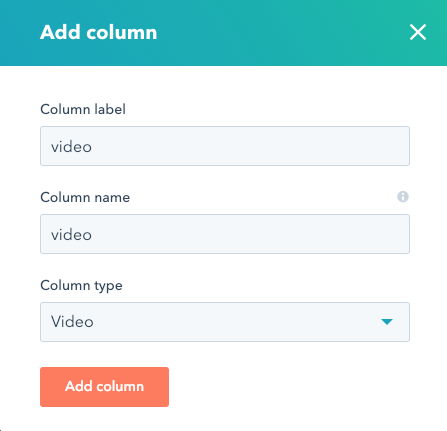
2
Select videos for each row.
You can now add a video to your row by clicking the “choose” button in the video column.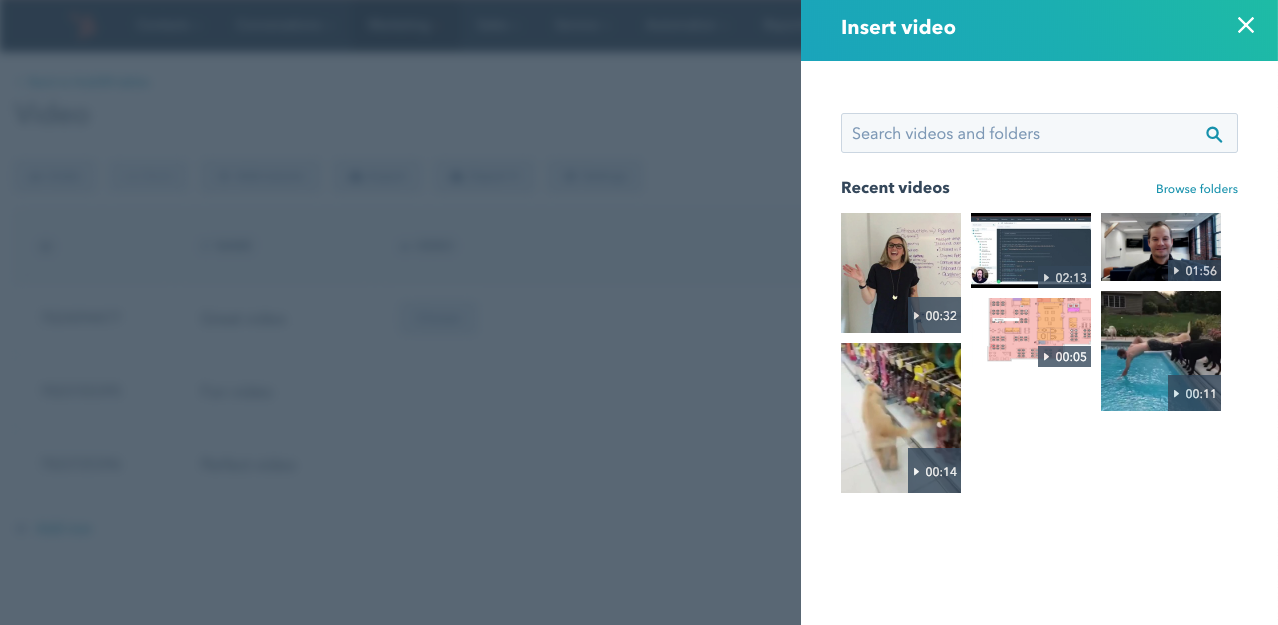 Selecting a video will store the video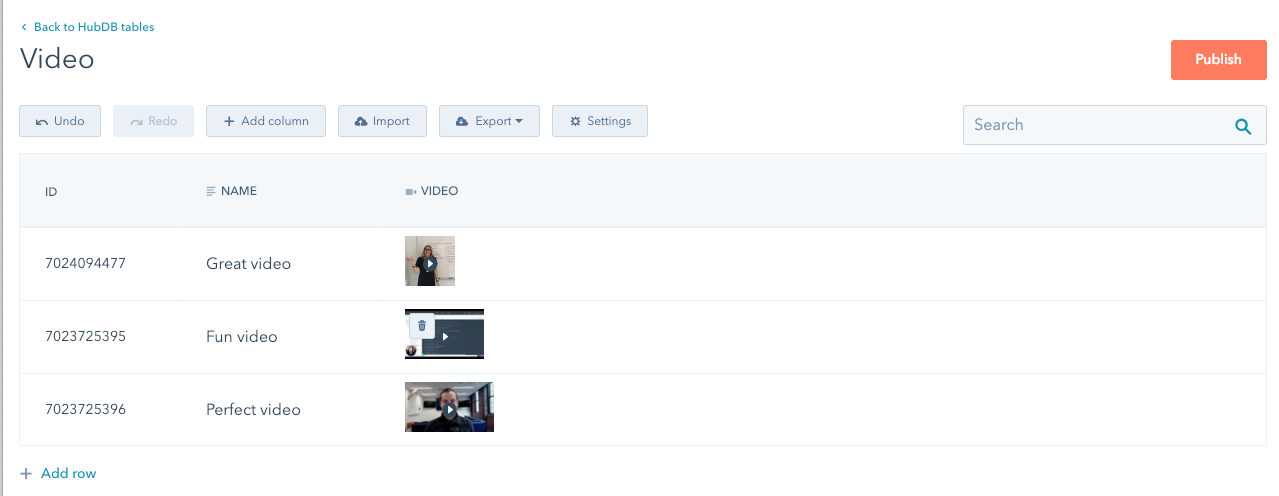
player_id as the column value in the row. The file thumbnail is used to visually represent the video in the UI.3
Add the video player widget to your dynamic template
You can now reference the row data in your dynamic template to build a
video_player tag.