
What makes these prompts work
Every prompt on this page follows the same pattern. Understanding these patterns makes it easier to write your own for anything this page doesn’t cover.- the prompt tells the agent to ask what problem you’re solving and who it’s for, one question at a time, before it writes anything. Answering a few questions up front costs less than correcting a wrong build afterwards.
- Plan, then approve: the agent lays out what it intends to build and waits for your go-ahead. This is the highest-value instruction in any of these prompts, and it comes straight from plan before building.
- Name the account: anything that uploads has to tell you which HubSpot account is connected and confirm with you first, so you don’t deploy to production by accident.
- Ask for the minimum: the agent proposes the smallest set of scopes that will work and explains why each one is needed, instead of requesting broad access you’ll have to justify later.
- Explain errors before fixing them: when validation or a build fails, the agent shows you the error and what it means before it changes anything. You learn what went wrong rather than watching it silently patch around the problem.
- Leave a trail: the agreed scope gets written to a spec file in the project, so you can reread the decisions later and a future agent with no memory of the conversation can pick up where you left off. See spec-driven development.
- the prompts name a few relevant docs but tell the agent not to read them until it needs them. Naming the right docs keeps the agent on track, while loading all of them up front fills the context window with material that may turn out to be irrelevant.
Get set up
Connect your AI coding agent to the Developer MCP server
Your agent needs a way to understand HubSpot’s APIs and components. The local Developer MCP server gives it that context. This prompt walks you through the one-time setup. The only step that touches the terminal is authenticating your HubSpot account. If you have an existing project, make sure you are in the project’s directory when communicating with your agent. Otherwise it may think you need a new project and create one separately from your existing one. Learn more about the HubSpot CLII'm installing the HubSpot CLI and the Developer MCP server and could use your help walking through the steps. Ask me which agentic tool I plan to use, if I don't know, guide me to VS Code, Claude Code and the Claude Code VS Code extension. Keep in mind that I may not be familiar with what a CLI or MCP server is — explain these as we go and offer extra guidance where needed. When we get to the HubSpot authentication part walk me through how to do it, and encourage me not to paste my key into the chat with you. Anytime you need me to do something in the HubSpot UI please provide instructions. Once all set up direct me to the example prompts page for ideas on getting started.
Create a new project
Projects are a fundamental part of building and extending HubSpot. All apps and their features are contained within a project. Learn more about developer projectsHelp me create a new project using the latest HubSpot Developer Platform Version: Ask me scoping questions like what business problem we're trying to solve? Who is going to be the end-user using this project? Should what we're creating appear on specific CRM records or have its own dedicated page inside of HubSpot, or is it a website theme? If we're not building for the marketplace then we want to build a private distribution static auth app. Based on my answers suggest scopes/app permissions and explain why you suggest them. Based on my answers suggest the next logical step to building out the project. Search the documentation to identify the related documentation and next logical steps, and any UI components or features you will need to understand further. Anytime you need me to do something in the HubSpot UI please provide instructions.
Build features
App card
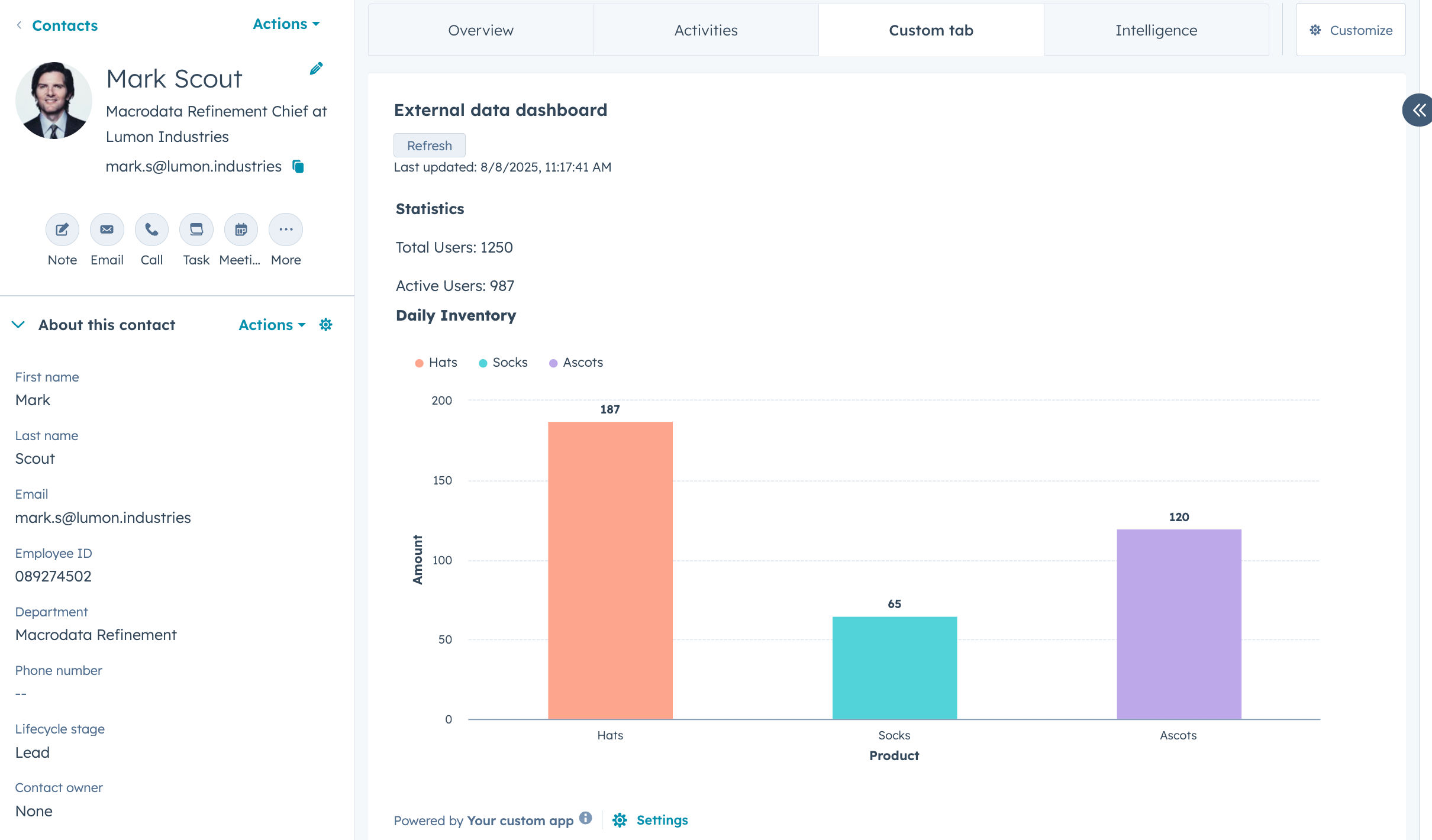
Builds an app card that appears on a CRM record. Scopes the work with you one question at a time, then presents a plan for your approval before writing any code. Validates the project and confirms which account is connected before uploading. Self-documenting: writes the agreed scope to a spec file in the project for you and for future agents.
App page
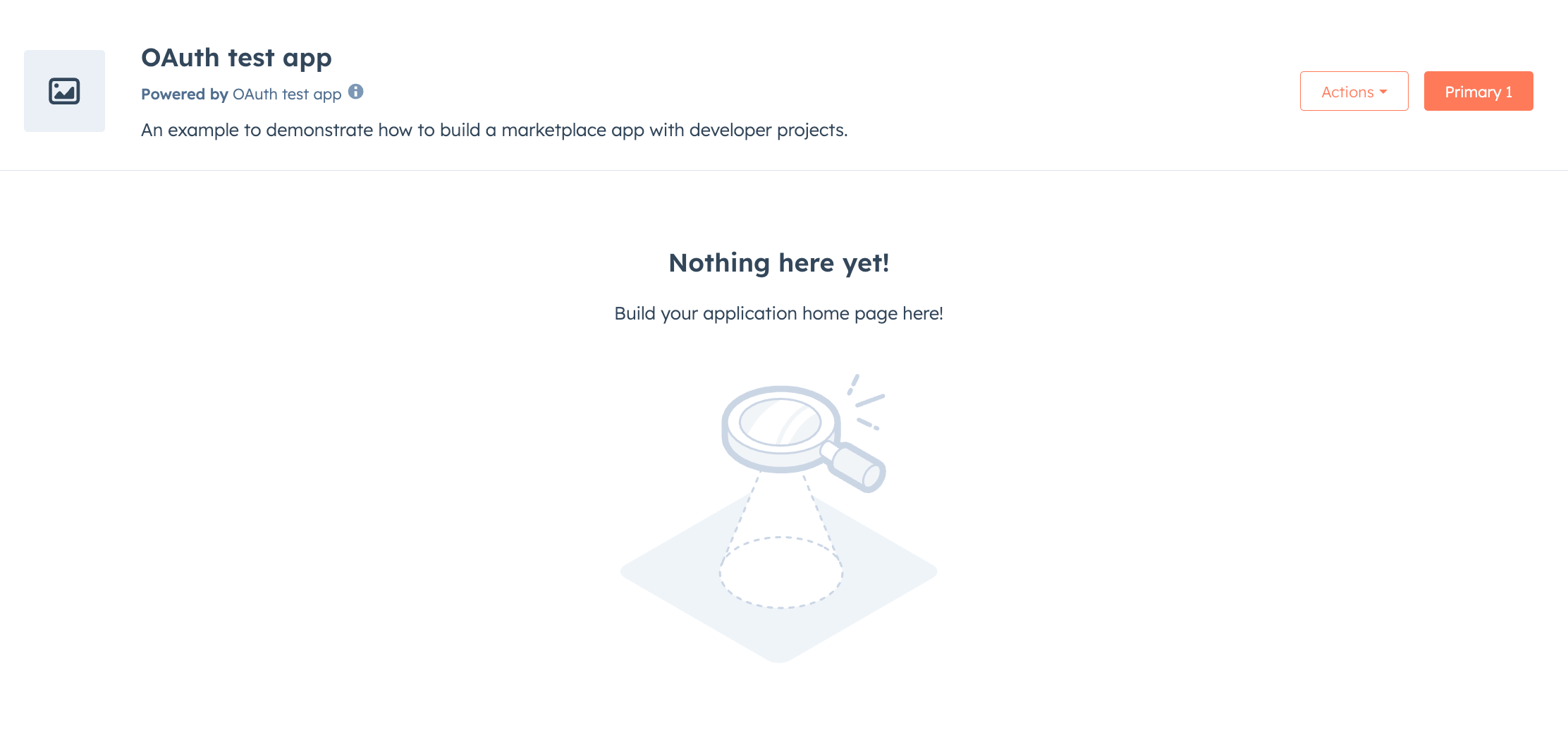
I want you to build a HubSpot App Page for me. Before you do I want you to ask me questions to scope out what I want to build, what I want the App Page to display, and if it needs to have any interactivity to it beyond displaying information. Make sure the proper scopes needed to build what I ask are implemented. As you work you are encouraged to search the developer documentation to ensure you're building correctly. Before uploading the project always validate it. Use a bento grid style layout. Anytime you need me to do something in the HubSpot UI please provide instructions.
App settings page
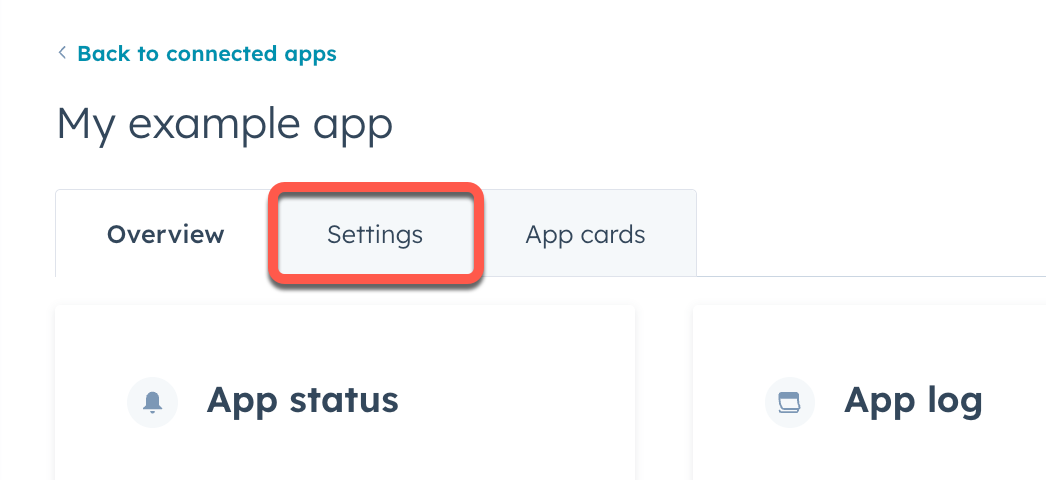
I want you to build a HubSpot App Settings page for me. Before you do I want you to ask me questions to scope out what I want to build, what I want displayed, and what settings or options for the app that need to appear in the app settings screen. Ensure the app has proper scopes needed to build what I am asking for. As you work you're encouraged to search the developer documentation to ensure you're building correctly. Use a bento grid style layout. Anytime you need me to do something in the HubSpot UI please provide instructions. Before uploading the project, always validate it.
Agent tool
Agent tools let HubSpot’s AI agents take actions on behalf of users, going beyond answering questions to doing things like looking up data, updating records, or calling external services. Learn more about agent toolsI want you to build a HubSpot Agent Tool. Ask me questions to understand what the agent tool should do, use-cases for when the agent would want to use that tool or what the user might ask of the agent warranting that tool. Before uploading the project, always validate it. Guide me on how to test and use my newly created Agent Tool, instructing on what to do in the HubSpot UI once uploaded.
Webhook subscription
Webhooks enable your app to receive real-time notifications when specific events occur in a HubSpot account. Instead of repeatedly asking HubSpot’s APIs to check for changes, webhooks send event data to your application as soon as it happens. Learn more about webhooksI want you to create a webhook subscription in my HubSpot Project. Ask me clarifying questions to understand what I want you to build, what app or website are we integrating with, what data needs to be sent. If the application is public and not bespoke made for my company I want you to search the internet for the developer documentation on that platform's webhooks. Ask for any needed information before building. Before uploading the project, always validate it.
Website module
Website modules allow you to add content to your site and control how it displays or functions. Learn more about website modulesI want you to create a HubSpot website module. Ask me questions to understand what the module should look and function like, ask about what things I want to be able to control through module fields, ask where I expect this module to be used in a site (i.e., blogs, website pages). This module should follow best practices, should by default use brand colors. Walk me through any testing you need me to do, and instruct me on how to add the module to a page.
Custom quote module
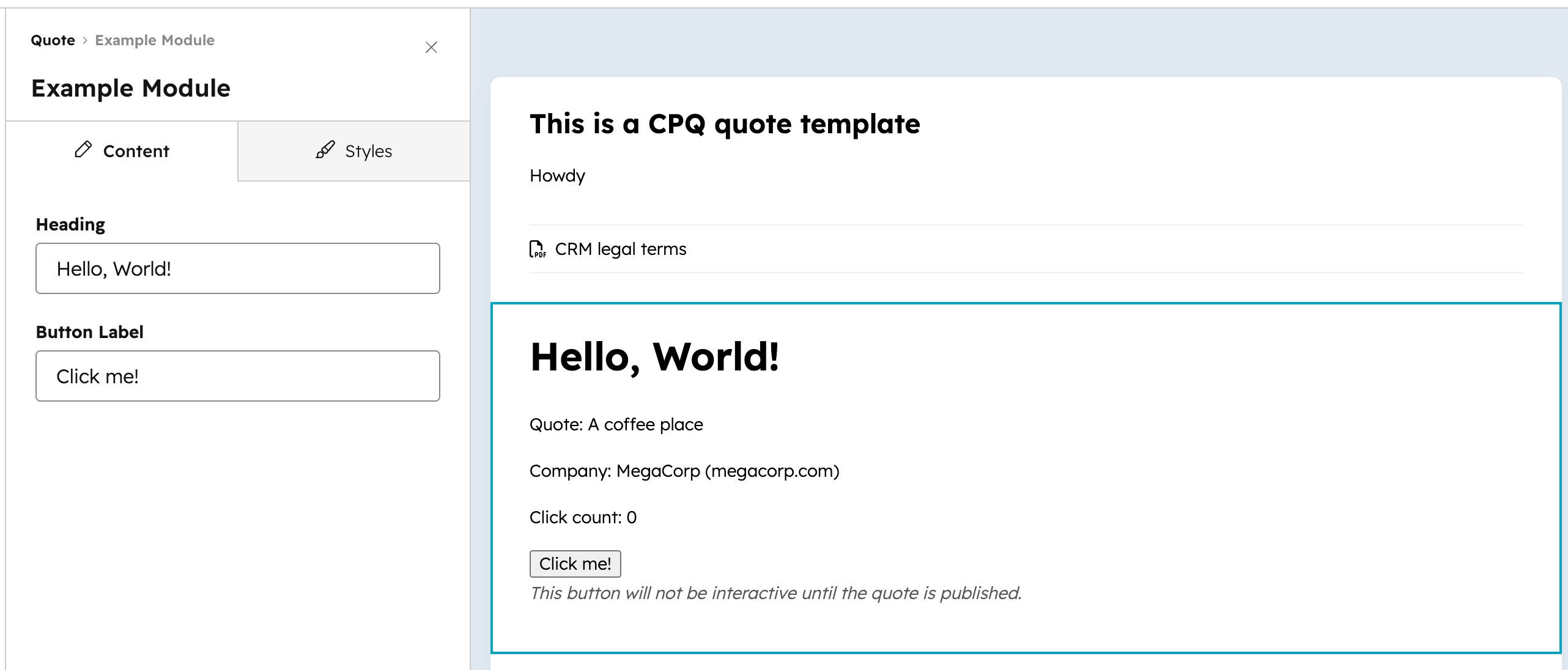
I want you to build a HubSpot module for use in custom quotes. I want you to first ask me questions to understand what problem this module aims to solve, how it should look, how it should function, and what fields it should have. This module should follow best practices. Walk me through any testing you need me to do, and instruct me on how to add the module to a page.
Generate test data
Before you can see how your work looks and behaves, you need data in your HubSpot test account.- Breeze Assistant
- Developer MCP + Agent CLI
I need to generate test data in my HubSpot test account. Before you create anything, ask me what I'm building or testing. Use that to identify which object types I'll need, which properties should be populated, and which relationships need to exist. Ask me to confirm your understanding, then ask whether there are edge cases worth testing — records with missing properties, unexpected values, or data my build might handle incorrectly. Once we've agreed on a plan, walk me through each step and confirm before creating anything.