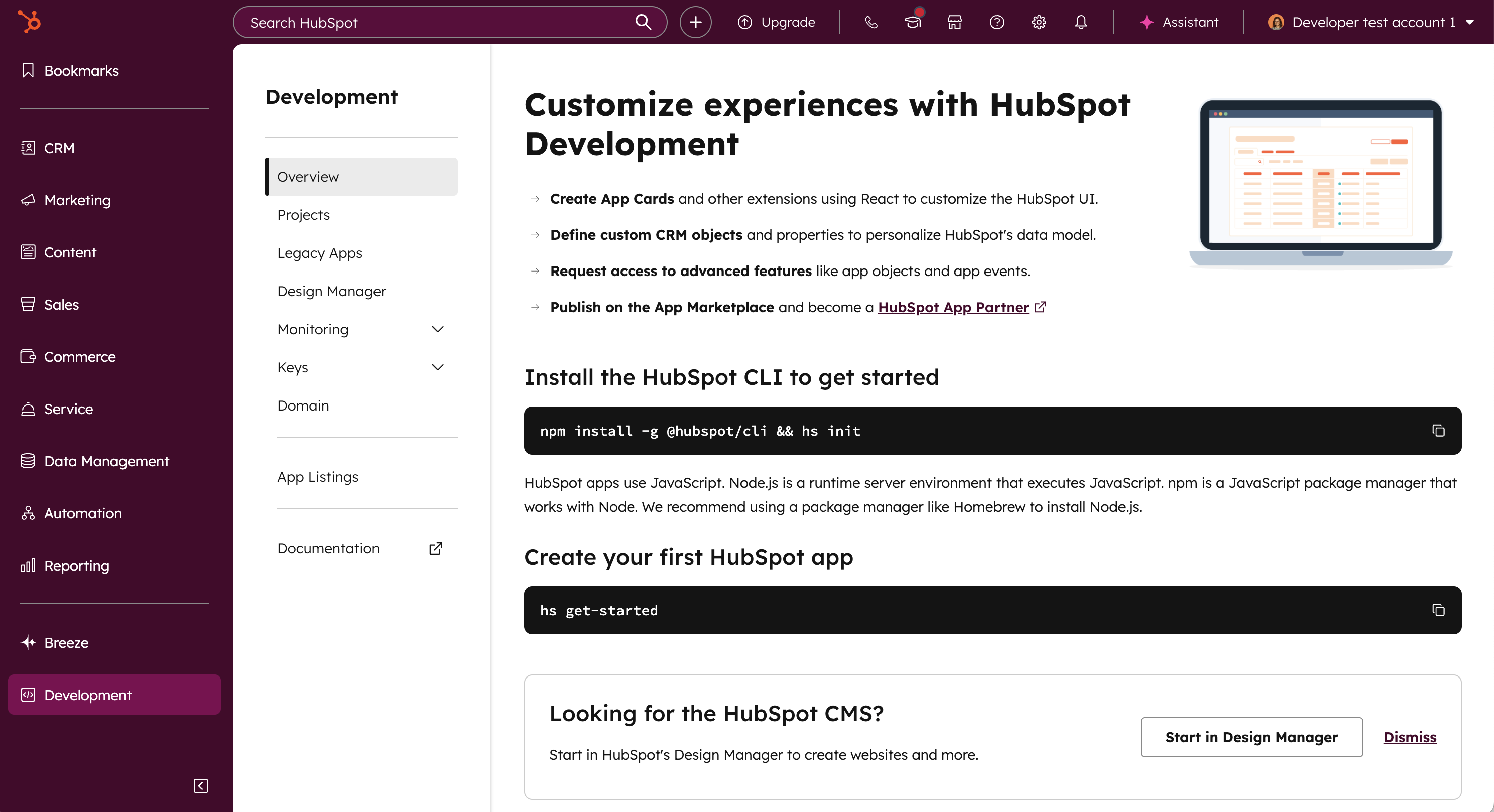
Learn about the development overview page in HubSpot.
The development overview in your HubSpot account provides a centralized page to manage apps, authentication details, app monitoring, app marketplace listings, and more.Super admins, partner admins, and users with either a developer seat or the Developer tools accesspermission can access the development overview page.
Please note: as of March 9, 2026, all legacy developer accounts were migrated to standard HubSpot accounts, which provides access to the latest development overview page. None of your existing apps, developer test accounts, or keys were impacted by the change and are fully accessible after your account was converted to the new experience.
App listings: create or review existing app listings on the HubSpot Marketplace.
To create a new app on the latest version of the developer platform, check out the quickstart guide, or learn more about the new developer platform here.
Last modified on March 30, 2026
Was this page helpful?
Assistant
Responses are generated using AI and may contain mistakes.