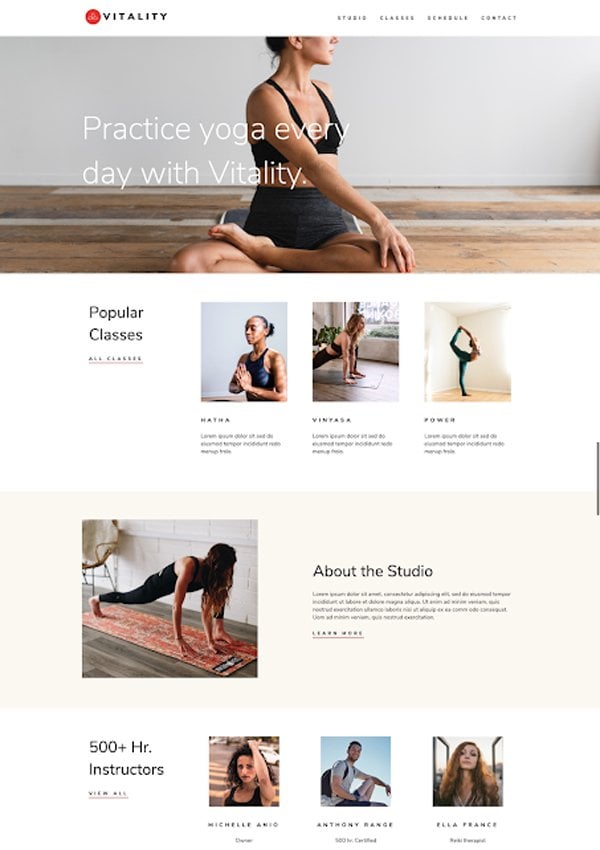
HubSpot provides a variety of themes for you to use, modify, or use as a reference for your own website theme. You can also download these themes to your local environment using our CLI tools.
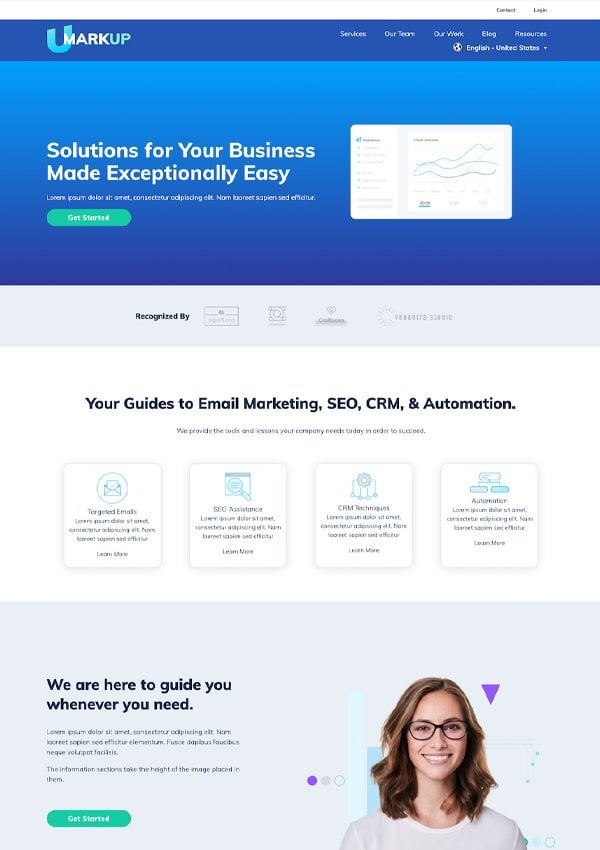
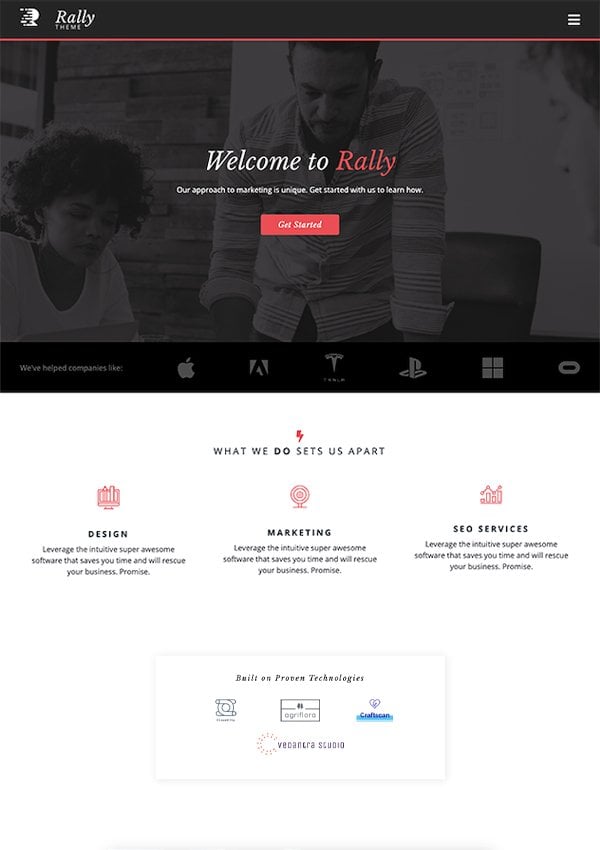
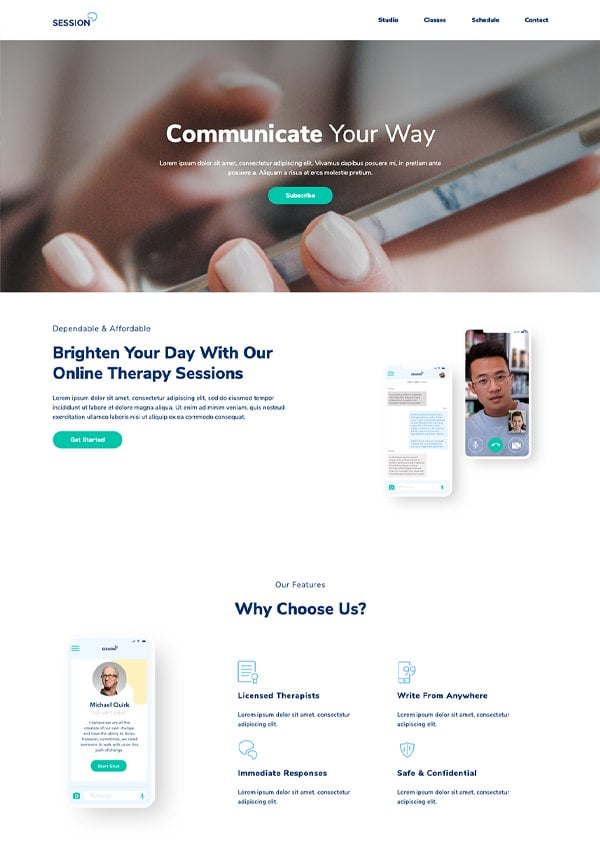
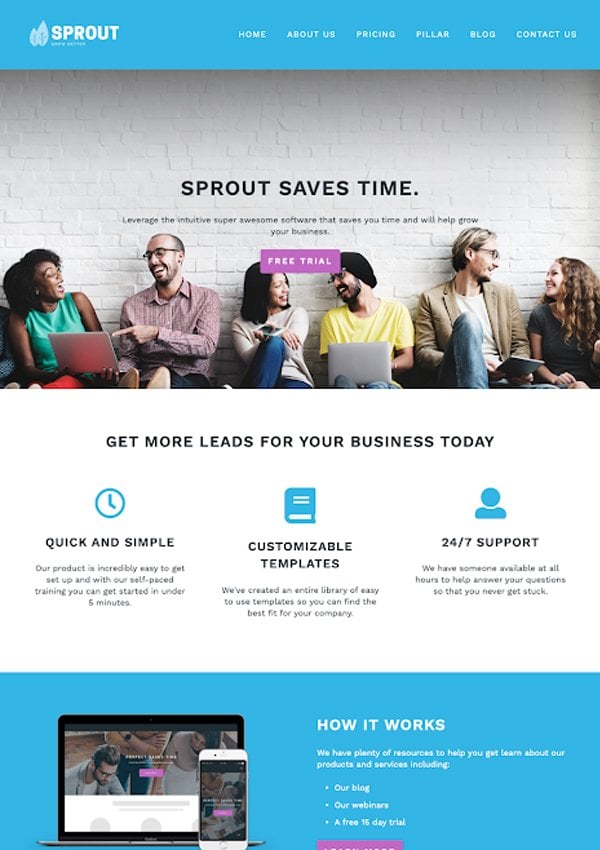
HubSpot provides a set of default themes that content creators can use to build website pages without needing to modify the base theme. These themes are best suited for content creators who have less access to developer resources.If you want to develop your own theme, it’s recommended to start with the HubSpot CMS Boilerplate.With the exception of Elevate, you can access HubSpot’s default themes in the @hubspot folder within the design manager. This folder is read-only and the contents can only be modified by HubSpot. If you’d like to modify a theme, you’ll need to use the HubSpot CLI to fetch the theme you want, then upload the theme with your changes to a different folder than @hubspot.
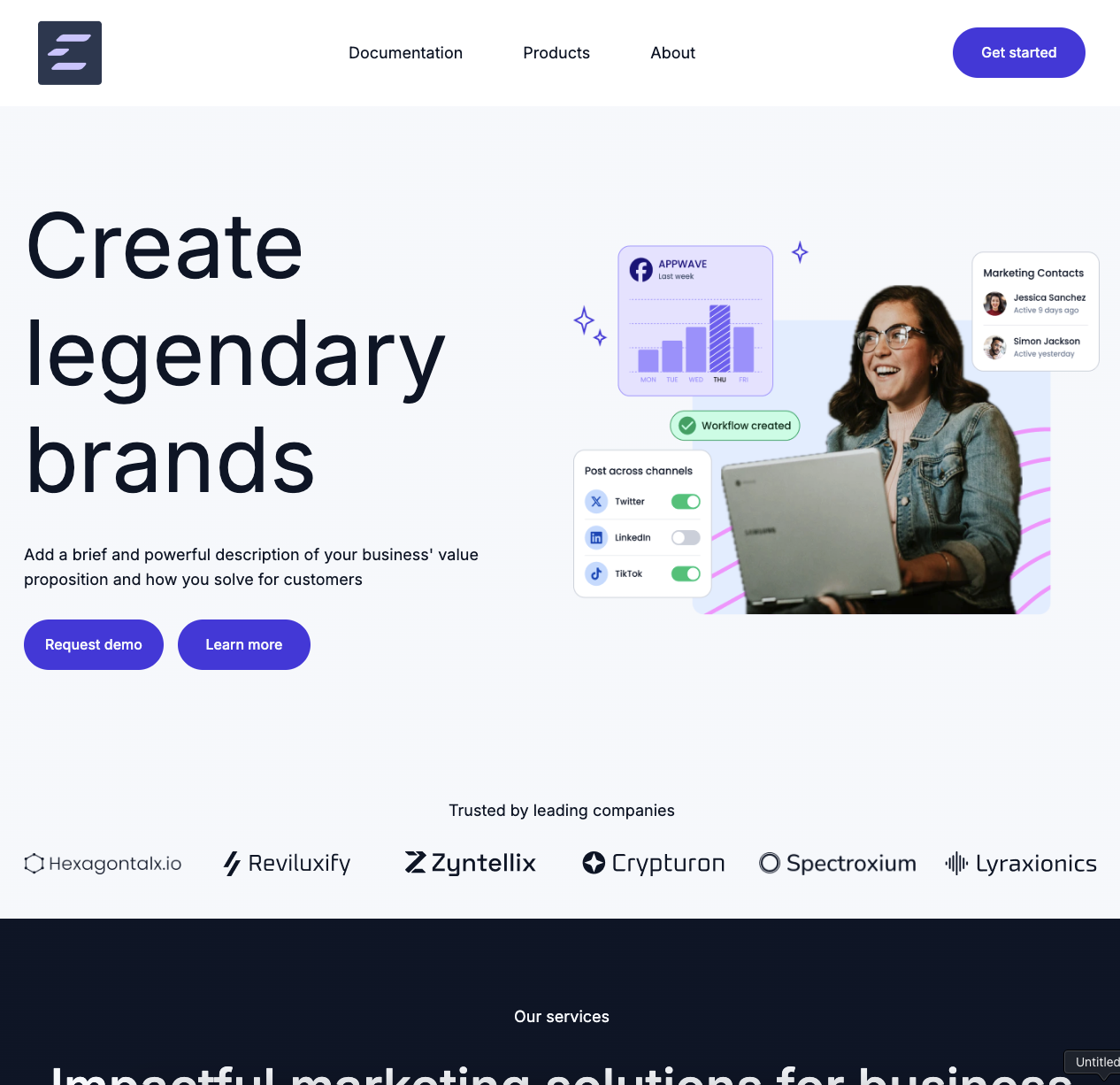
View a live demoAvailable in all accounts, Elevate is HubSpot’s latest default theme, offering a refreshed set of modules, sections, and templates. Modules included in this theme are React-based, which improves site performance and extensibility. The theme’s settings are also equipped with presets that streamline customization within the guardrails of your brand and style.
Please note:The default Elevate theme is currently only available for use in HubSpot. Fetching the @hubspot/elevate theme from your account will not fetch all assets required for a fully functioning theme.To work with the Elevate theme source code, you can instead clone the public Elevate theme, as it includes the full set of supporting assets.
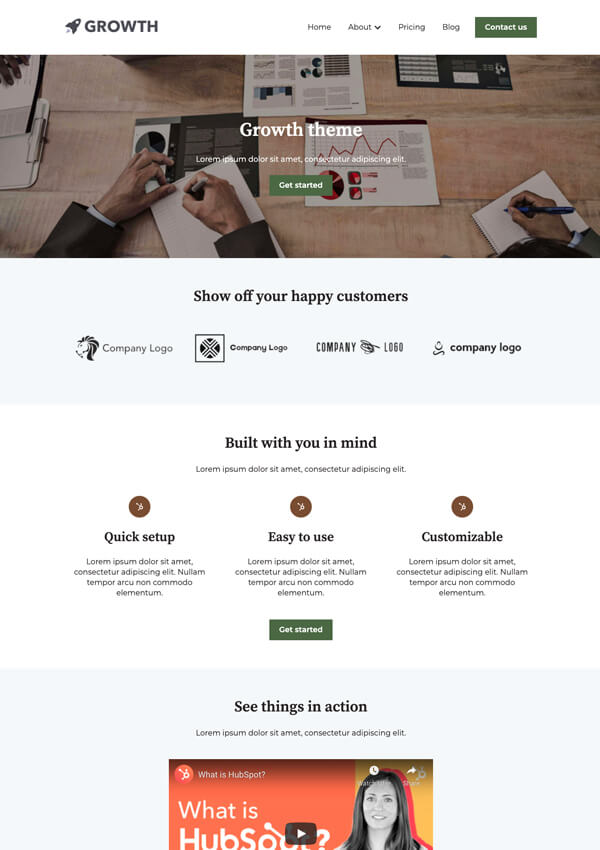
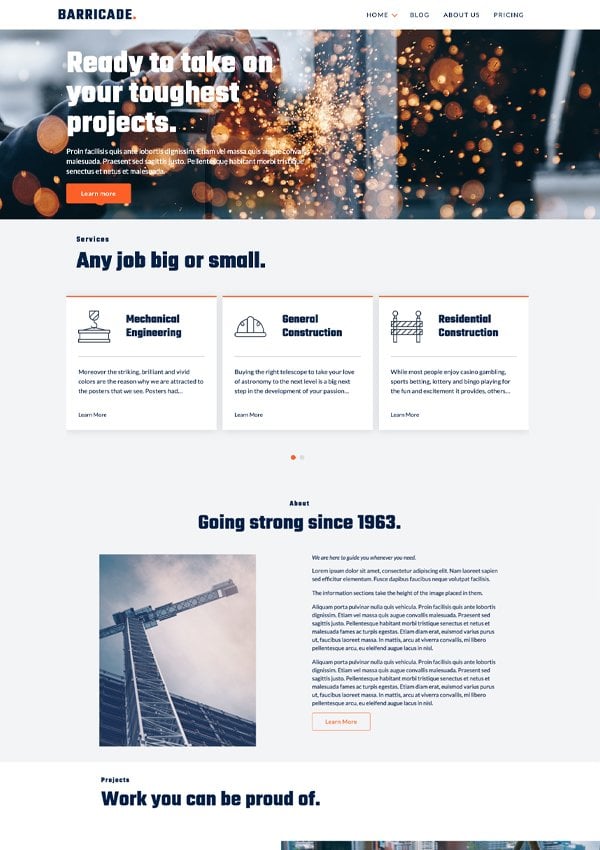
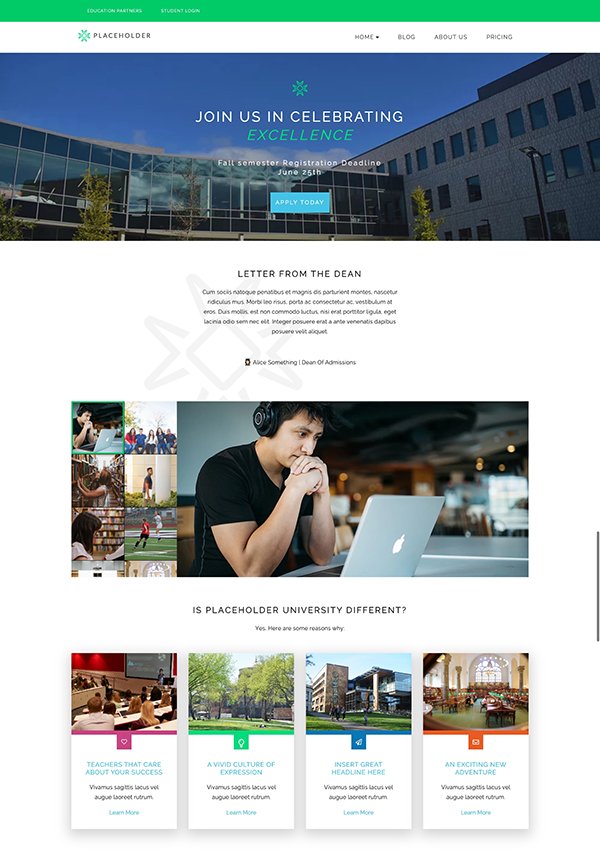
The following themes have been moved to maintenance mode. They will no longer be updated with new features and will only receive updates as they relate to security, accessibility, and bug fixes.