Learn about the Spacer component for use in UI extensions.
Use the Spacer component to add vertical space between components. This component is intended for one-off use in situations where other layout components like Flex don’t fully provide the spacing you need. You can use this component in tandem with the AutoGrid, Flex, Box, and Inline components to manage extension layout.
For consistent spacing between multiple components, use the Flex component with the direction="column" and the gap props instead. Flex automatically applies uniform spacing between children, which makes layout easier to maintain.
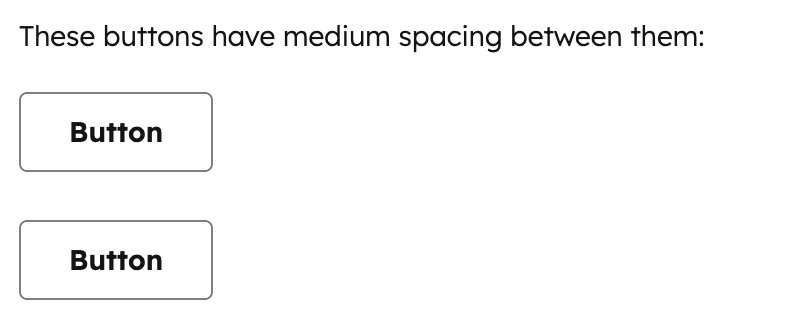
import { Button, Spacer, Text } from '@hubspot/ui-extensions';hubspot.extend(() => <Extension />);const Extension = () => { return ( <> <Text>These buttons have medium spacing between them:</Text> <Button>Button</Button> <Spacer size="medium" /> <Button>Button</Button> </> );};
For most layouts, you should use Flex with direction="column" and a gap value instead of Spacer, as it provides uniform spacing between all children without needing to manually insert Spacer components.